The Craze City field guide / 04
Offline or online open-world games: choose for your routine
Choose offline play if you need the world to work without a connection. Choose an online world if shared activity is important and you can stay connected. Solo play is a separate question: being able to play alone does not establish that a game works without internet access.
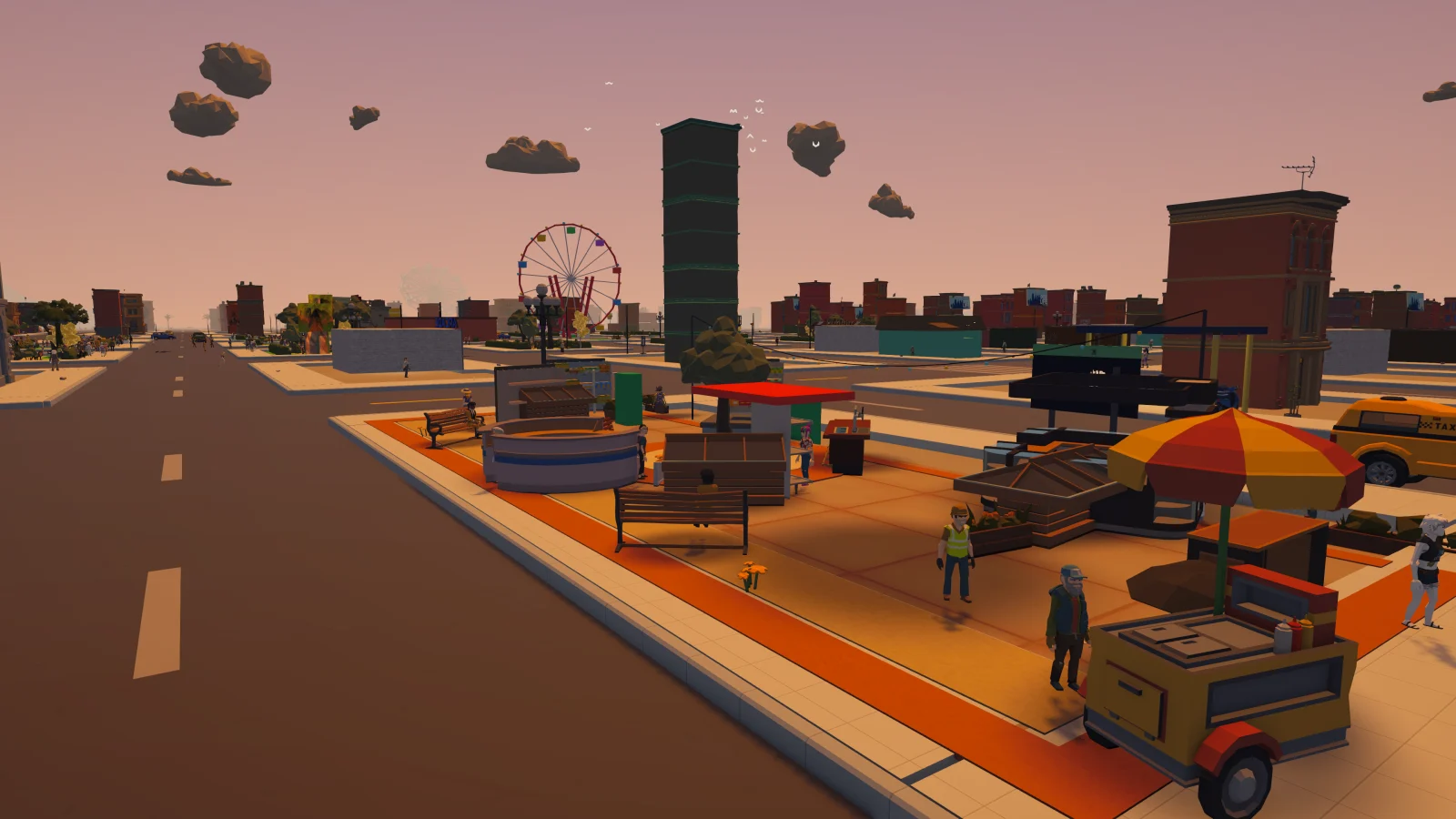
A player’s guide from the studio building Craze City. The full mobile game is prelaunch; the café browser challenge is playable now.
Ask what stops working without a connection
A game may launch offline but require internet for particular activities, saving or account checks. Read the official description carefully. The useful question is what you can actually do during the disconnected session, not whether the app opens to a menu.
If offline access matters for travel or an unreliable connection, verify it through official documentation or a safe test after installation. Do not assume that a downloaded world guarantees every system is local. Likewise, a game with optional online features may still have a substantial offline mode. The details belong to the specific product.
Separate other players from the network
A solo activity can still run in an online world. You might explore independently while the game uses a server for account data or shared state. Conversely, some games let nearby players connect through methods that differ from a public online service. The label multiplayer does not explain the connection model on its own.
Think about why you want the connection. If meeting friends is central, check how joining works and whether both devices need the same platform or region. If you mainly want independence, look for solo-friendly online worlds and confirm that group participation is optional for your goals.
For travel, prepare before losing the connection: complete any official first-launch download and confirm the offline mode while you still have access to the developer’s help information. Do not assume the initial installation contains every required asset.
Saving and cross-device access need their own explanation
Local saves, cloud backup and an account-based character are different systems. A game can work offline while offering optional backup, or require internet without supporting the transfer you expect. Read what is saved, where it is saved and what happens when changing devices.
This matters especially before spending a long time building a character or collection. Do not infer permanent account progression from a working login screen or a prelaunch description. Look for explicit release information and recovery instructions. If those details are not available yet, treat them as unresolved rather than assuming the most convenient version.
Craze City's current development context
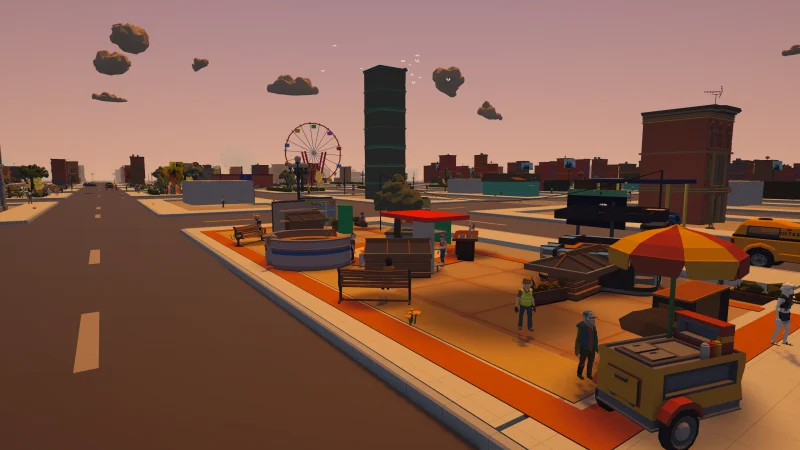
Craze City's public direction is an online city life sim, and its development build supports solo-capable activities with AI characters. The solo design article describes that aspect. It should not be read as a guarantee of a fully offline mobile release.
The game is prelaunch, and final connection, account and device-transfer rules need to be confirmed in release material. The release-status guide is the appropriate place to check availability. The website café mini-demo is a separate browser activity and does not demonstrate the full game's network architecture or save behaviour.
Make it your kind of game
Your shortlist checklist
Tick the things you want to check before choosing. This is a scratchpad for this visit.
Inside our city / in development
Where Craze City fits
Craze City is being developed as an online city life sim with solo-capable activities. The mobile game remains prelaunch. This guide does not promise full offline play or final cross-device account persistence.
See actual game capturesQuick questions
Can an online game be played alone?
Yes. You may have independent activities while still connecting to a server. Solo describes who participates; offline describes whether a connection is needed.
Does cloud saving mean a game is always online?
Not necessarily. Some games offer optional backup around offline play, while others depend on a connection. Read the particular game’s saving and access rules.