The Craze City field guide / 03
Walkable city games for exploring at your own pace
For a city game you enjoy on foot, look for readable streets, reachable destinations and a camera that leaves room to see where you are going. A city designed mainly for high-speed driving may feel empty when walking. Judge a short uncut walk before being impressed by the size of the map.
A player’s guide from the studio building Craze City. The full mobile game is prelaunch; the café browser challenge is playable now.
Street scale changes the experience
A road that feels compact in a car can take a long time to cross on foot. Notice the distance between places where you can do something. A useful walking route gives you landmarks or small decisions along the way, even if not every building is interactive.
Watch how the character moves around corners and street furniture. If the route repeatedly catches on objects or requires awkward jumps over small obstacles, ordinary exploration can become tiring. You should be able to focus on the place rather than constantly correcting movement around unclear collision boundaries.
The camera should show your next decision
A walking camera needs to balance the character with the surroundings. Too close, and you may not see a turn or doorway. Too far away, and small prompts become difficult to read. Look for whether the game lets you adjust the view or at least keeps important interactions visible.
On a phone, check how movement controls overlap the environment. A thumb can cover part of the route, so readable spacing matters. If you often play without sound, inspect whether prompts and hazards remain understandable visually. Footsteps add atmosphere, but they should not be the only clue that your character is stuck or moving.
Give a walk a simple purpose
A short route can be more satisfying than wandering without any frame at all. Choose one destination, notice a landmark and return by another street. This gives you a way to learn the city while keeping the session relaxed. You can repeat the outing later and see whether the route feels more familiar.
If your game has a pet companion, walking can also be a reason to enjoy that feature. Check that the animal remains visible during travel rather than only appearing at home. The virtual dog walking guide explains the difference between a following companion and a dedicated care or training game.
Looking at Craze City at human scale
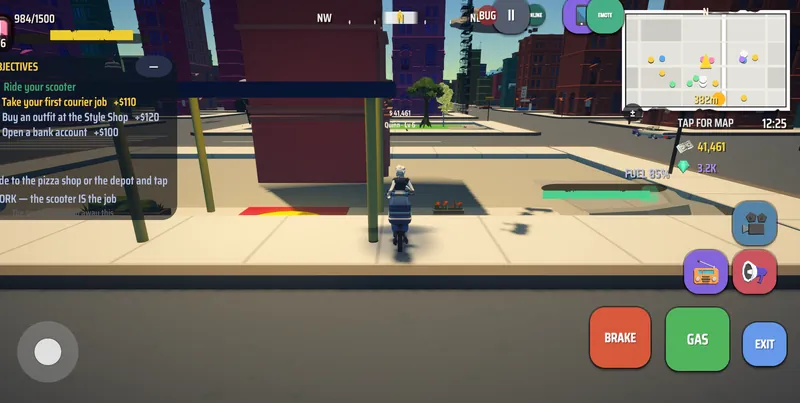
Craze City's actual boulevard capture shows its street-level environment, while the character-creation capture shows the player character being developed. The game is a city life sim with personal activities, rather than only an overhead management view. Its mobile release is still ahead.
A screenshot cannot establish the walking time between every location or whether every building opens. The small-town exploration guide focuses on landmarks and familiarity; this page focuses on the practical feel of moving on foot. If you prefer to cover distance by vehicle, the free-roam driving guide covers that choice separately.
Make it your kind of game
Your shortlist checklist
Tick the things you want to check before choosing. This is a scratchpad for this visit.
Inside our city / in development
Where Craze City fits
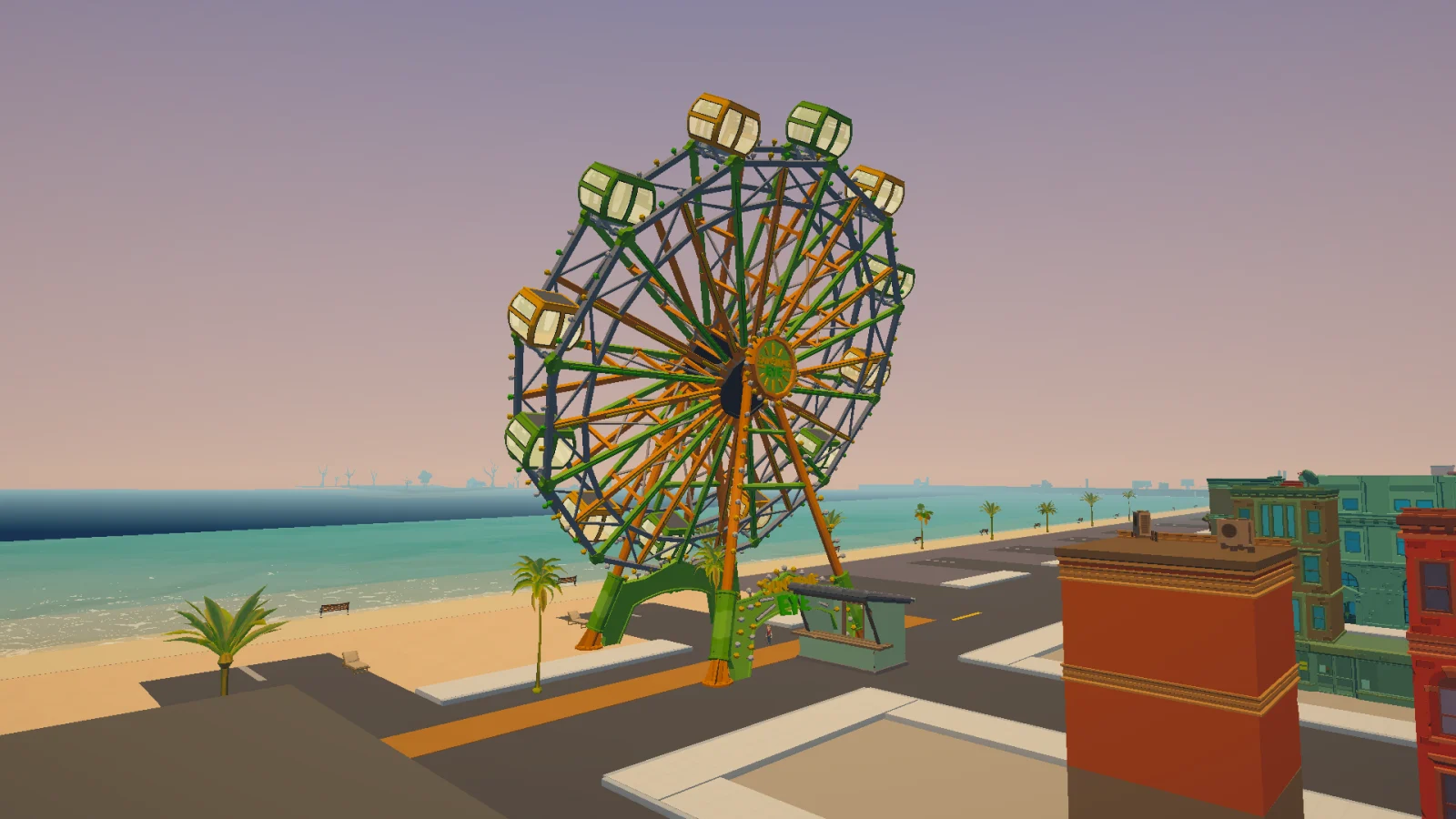
Craze City’s development captures show a character-scale city environment. The game remains prelaunch. These images are useful visual examples, but they do not establish final walking speeds, complete interior access or the travel time between every activity.
See actual game capturesQuick questions
Can a driving-focused city still be enjoyable on foot?
Yes, if destinations and street details remain well spaced for walking. Watch a real on-foot journey, because road scale that works for cars can feel very different without one.
What is a good first route for exploring a new city game?
Choose one recognisable destination and return by a different street. That gives the walk a clear endpoint while helping you learn landmarks without turning exploration into a long checklist.